

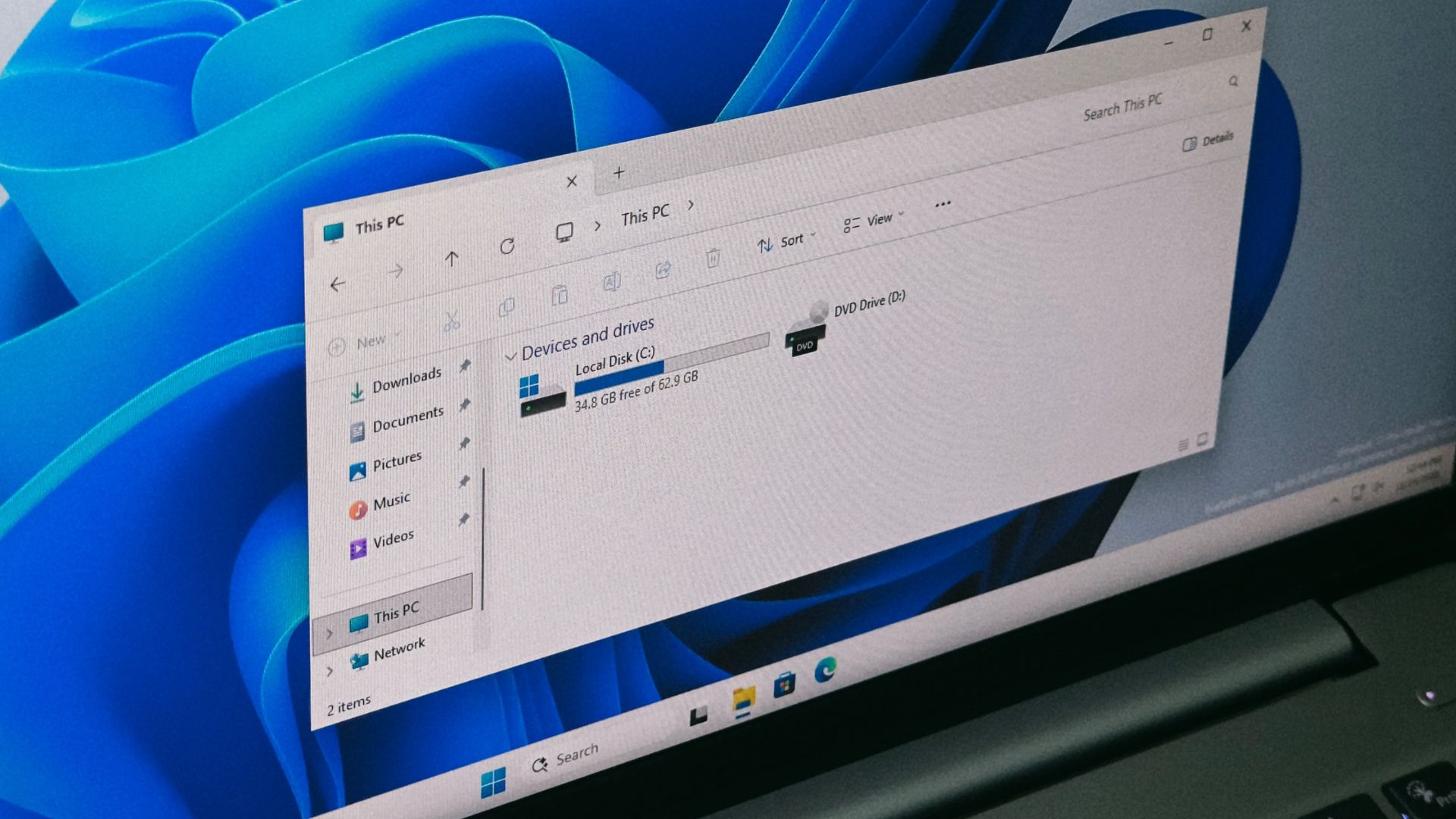
I mean… You could make it A if you really wanted. I wouldn’t recommend it, but you can do it.
It’ll destroys Windows 😁
Hence why I don’t recommend it.
Some times I forget that young people exist, and that this isn’t common knowledge anymore.
A: 8 or 5.25 Inch Floppy
B: 3.5 Inch Floppy
C: High speed rewritable media (aka HDD/Tape Drives)
D:-Z: Oh shit oh fuck why the fuck do you have more than 3 drives connected what the fuck is a CD oh god why did we pick letters instead of copying the unix mounting system since we copied unix for COM ports and Serial.
That’s not quite right either. A and B are both for floppy drives, but they’re assigned based on drive order not on type. If you only have one 3.5” floppy drive it will be at A by default.
I dislike drive letters generally because they obfuscate things.
So many times a usable will rise a support ticket telling me they don’t have access to the G:/ drive and then I have an uphill battle with them trying to figure out what the actual file path they want is. If you’re going to have drives shortcuts have drive shotcuts, but make them universal and not an individual, one on one, never to be repeated, basis.
Also in a corporate environment you probably don’t want file saved on C:/ anyway
A: 8 or 5.25 Inch Floppy
B: 3.5 Inch Floppy
While this was true for a particular moment in time when both were in common use, having two floppy drives predates the 3.5 inch floppy.
Older computers often had no HDD at all, and used only two 5.25" floppy drives. One floppy drive would be for your OS and applications, while the other was used to store the user’s data. Or, if you wanted to play a game, you’d often have one floppy for the OS and basic apps, while the second floppy held the game’s data.

I can’t for sure pinpoint Microsoft’s reasoning in reserving two letters for floppy drives, but I suspect it was more about supporting these legacy 2x5.25" systems than about supporting systems with multiple floppy drives of different formats.
DOS supported a second “virtual” floppy if you only had one physical drive. COPY A:FILE B: would ask you to swap in a second disc as “drive B:”
The first standard hard-disc PC/XT was one floppy and one hard disc, so setting the hard disc to C preserves this paradigm.
Lmao exactly that said the Microsoft’s engineers 😂
Funny how this question was posed recently here on Lemmy (probably copied from that other site), & not long after it’s being posted again as an article.
I just posted the best article of the day 🤷
Wasn’t accusing you of anything. More commenting upon where sites get their article “ideas” from.
My god seriously? Fucking idiots.
What’s the idiotic thing they did? My take of the article was “yeah makes sense”, so maybe I’m an idiot too if I don’t see what’s wrong and I’d like to know why. :p
One, letter drives are idiotic. That aside. How has this basic knowledge been lost to windows users?
One, letter drives are idiotic.
I heard you fine the first time, I asked why you think so. : ) They seem to be working just fine, but maybe I’m not aware of some problems.
Oh a letter drive lover? Please, tell me why you love the letter drive over all other mount points.
Usernamechecksout… or not…
That doesn’t even make sense. I guess someone who doesn’t know about letter drives on their own operating system probably wouldn’t comprehend much beyond the basics of a start menu.
I wanted to say “*laughs in macOS*” until I remembered that the system drive is called “Macintosh HDD” by default even though no Mac has shipped with one in years (both mine are renamed to “Macintosh SSD” but that isn’t the default… at least it wasn’t in Ventura, the macOS version my Macs shipped with. Maybe they’ve figured it out since but I doubt it.
Eh, they’re both dumb
*laughs in SDA1*
*chortles in nvme1*
/sneers in persistent device names
/not really though, sneering is for Arch users
/sneers in persistent device names
Well, both have their place.
If you’re setting up an fstab, it’s usually better to use persistent device names, just to make sure things don’t get screwed up in case you make a hardware change later on.
But if you’re trying to refer to some file location on the device, it might be better to use the more abstract names. That way, if your drive dies and you replace it, you don’t need to redo what you’re configuring, because SDA will probably still be SDA.
LINUX lol
Not such a good option on Apple silicon. If I had a PC that’s what it would be running. Maybe Ubuntu, maybe SteamOS, definitely not Windows.


