


Persistent, Sandboxed, Single-Site Browser (firejail and proxychains)
Or how to avoid getting locked-out of another Google Account
By Michael Altfield
License: CC BY-SA 4.0
https://tech.michaelaltfield.net/
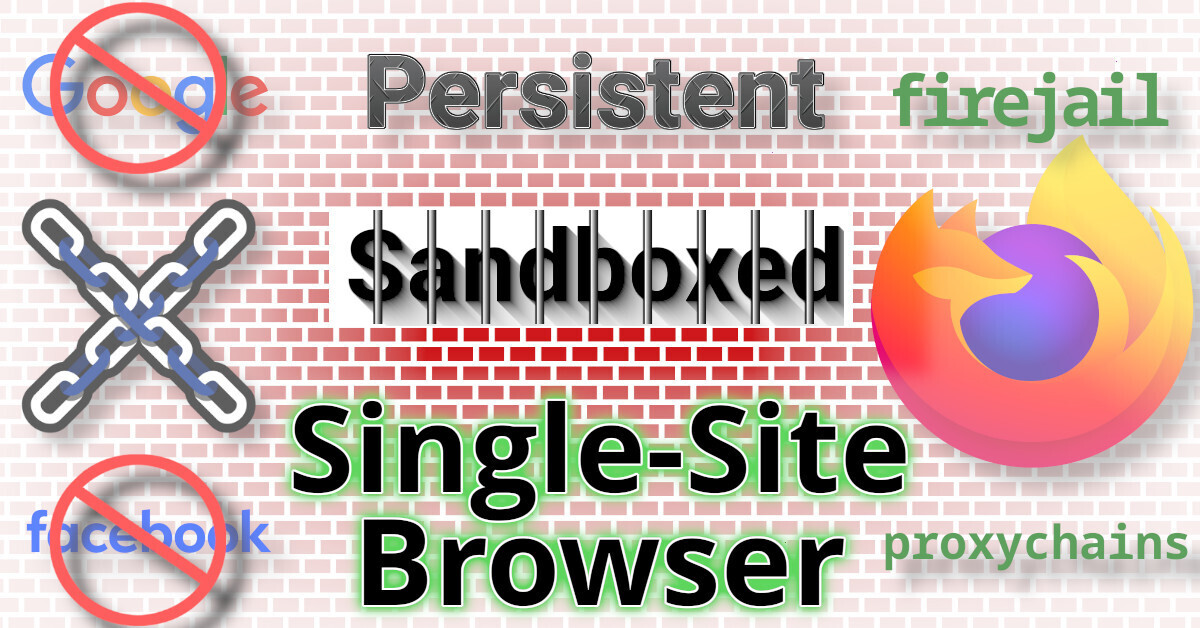
This guide will describe how to setup a persistent browser (for Evil Corp) that’s isolated in a sandbox (with firejail) and forced to use a SOCKS5 proxy to retain a static IP address (using proxychains)
 |
|---|
| Persistent, Sandboxed, Single-Site, Browser |
Have you ever been locked out of your own account, and then got an email for your service provider annoyingly letting you know that they’ve “blocked a login attempt – for your protection?”
There’s countless reports of frustrated users who have permanently lost access to their own gmail accounts because of Google’s faulty “fraud protection” systems that locked the account owner out of their own account, due to false-positives.
Read the full article here:
I solved this problem by taking all my shit out of Google. The only service of theirs I still use is YouTube, and I don’t lose much if they lock me out of that.
There’s only one thing you can do: stop using it, stop giving them [an opportunity to use your data for] money. Everything other solution is mediocre at best. Thanks for sharing, though.
Yeah, agreed that’s best.
As I said in the article, I encountered this issue with the admin account of Google Workspace for a client. I’ve tried to suggest to the client that they migrate off Google, but they’re a small nonprofit and have 0 IT staff or budget for an alternative. And they’re grandfathered-in to a free Google Workspace account (as an NGO).
Yes, for small, especially non-IT businesses, it’s really hard. But thank you again for the article, I think we might (unfortunately) need such setup for different other things in the near future too.
Banks come to mind. And government-provided services, like health insurance.
